
The last team chat you will ever need.
Stay up to Date
Subscribe to our Newsletter.
Copyright@teamchat.

You have been using Google Sheets for budgeting and business but there’s another interesting use of spreadsheets - you can use them to create impressive pixel paintings in minutes.
Marina and Mallory created a bright and beautiful wall mural using Google Sheets. Japanese artist Tatsuo Horiuchi uses Microsoft Excel to draw masterpieces.
The idea is simple. Each cell in the spreadsheet corresponds to a pixel in the painting. You find the color of the pixel and set that as the background color of the corresponding cell in the sheet. Now resize the cells in small perfect squares and your spreadsheet will resemble the original artwork.
If you would like to create your own spreadsheet art but don’t have the time to carefully paint every cell manually, here’s a simple workaround for you. You can take any photograph, vector art, GIF, or any other image and use Google Sheets to convert that bitmap image into spreadsheet art.
Here’s some artwork created with Google Spreadsheets.
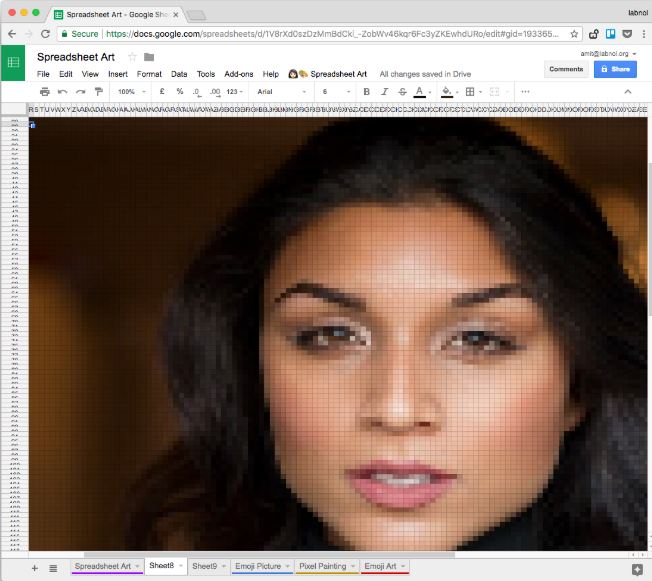
It takes three easy steps to make pixel art with Google Sheets.